• Hello!

    Either you have not registered on this site yet, or you are registered but have not logged in. In either case, you will not be able to use the full functionality of this site until you have registered, and then logged in after your registration has been approved.

    Registration is FREE, so please register so you can participate instead of remaining a lurker....

    Please be certain that the location field is correctly filled out when you register. All registrations that appear to be bogus will be rejected. Which means that if your location field does NOT match the actual location of your registration IP address, then your registration will be rejected.

    Sorry about the strictness of this requirement, but it is necessary to block spammers and scammers at the door as much as possible.

post your desktop screenshot

MADMAN

New member
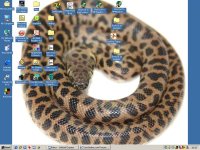
hi all any forum i go to i like to do this little thread where everyone posts they're desktop screenshot.

this is fun because it shows a lot about our interests wether it be art , snakes , cars, horses etc. also this thread may stretch because desktops are best in all they're glory no downsizing here plz if you run at 800x600 post it as so same if you run at 1280x1024

i'll start

desk.jpg
 
Have there been any improvements to Window Blinds?
I used it several years ago and had nothing but problems
 
well i guess no one is interested here:shrugs:, i'll take my leave now to find a different corn snake forum where noobs are welcome

terribly sorry if i imposed here i just wanted to make some new friends away from Gaming forums. :sidestep:
 
I apologize for the group for making you feel less than welcome

Don't feel bad! Yesterday was an unusually dead day on the forums Give it a little while longer before making a judgement. ;)

There really are a lot of good folks around here. BTW, 62" is a big corn! Is that your biggest? I've had just a few exceed 62+.
 
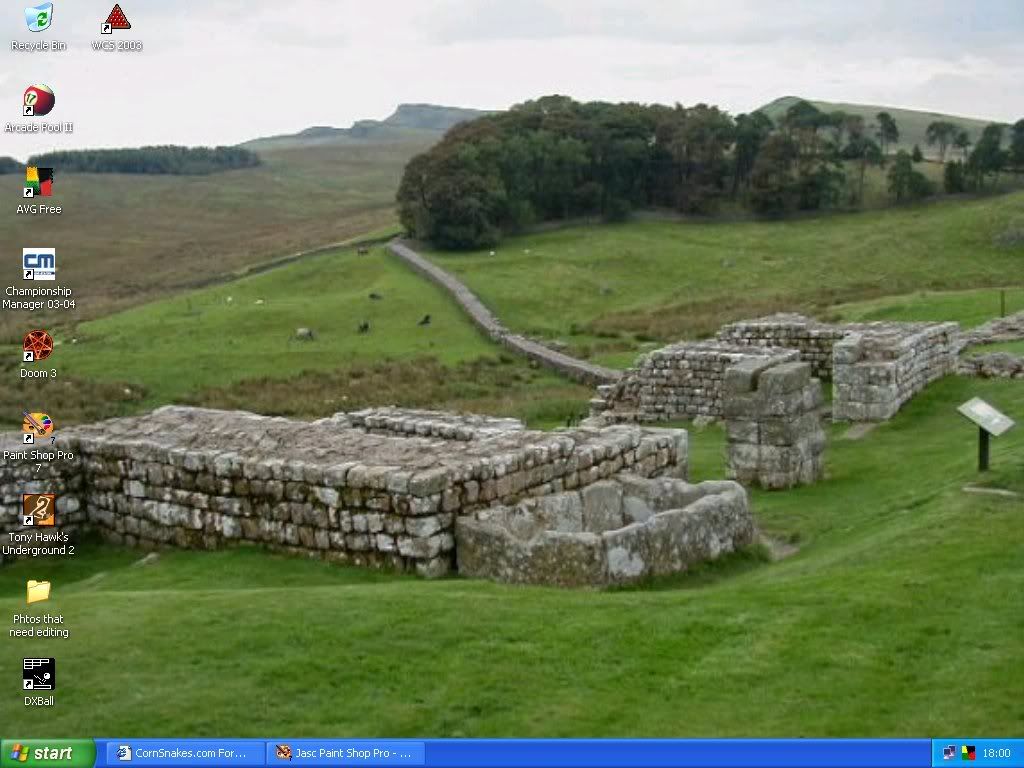
Are you serious? I don't want you to feel unwelcome, and being a new user here, I will help you feel more welcome. Here is my desktop...

desktop.jpg


Kyo
 
If you have photoshop, or a similar program. Here's how.
When on your desktop hit the "print sreen" key, this copies your desktop to the clipboard, open photoshop and go under file-new, this creates a new document alredy sized to your desktop photo, click edit and then paste and you should have it.
 
We're aren't all Hi Tech rednecks!

Did you have to sweep the pine shavings off your 'puter? :rolleyes:
 
For the love of.......

That child looks terrified of the lizard Paul!

Or maybe it is Daddy....... :rolleyes:
 
Paul,

Your son doesn't look too enthusiastic about having the lizard on his chest. Great pic.
 
Forgot to say thanks for the print screen and paste into paint program tip, i apreaciate it, and it may come in handy in the future.
 
Back
Top