
-
Hello!
Either you have not registered on this site yet, or you are registered but have not logged in. In either case, you will not be able to use the full functionality of this site until you have registered, and then logged in after your registration has been approved.
Registration is FREE, so please register so you can participate instead of remaining a lurker....
Please be certain that the location field is correctly filled out when you register. All registrations that appear to be bogus will be rejected. Which means that if your location field does NOT match the actual location of your registration IP address, then your registration will be rejected.
Sorry about the strictness of this requirement, but it is necessary to block spammers and scammers at the door as much as possible.
You are using an out of date browser. It may not display this or other websites correctly.
You should upgrade or use an alternative browser.
You should upgrade or use an alternative browser.
Another try
- Thread starter ructo
- Start date

ructo
New member
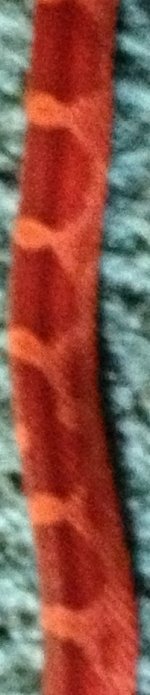
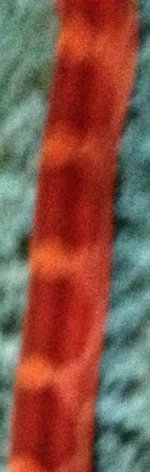
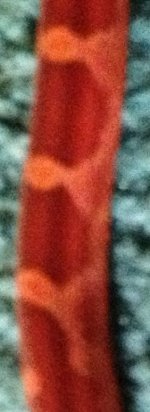
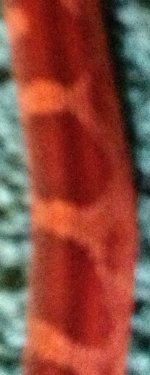
I want to let you all know that Ructo is doing great! Eating great, he shed fine, and not biting me! Should I try to post better pictures of him? I really like his color. He is eating some nutribac at each meal just in case(my last snake died after regurging and now I am overly scared of that happening again as some of you might know). Nutribac isn't necessary for each meal, is it? I thought it was just helpful so I'm using it.





They also seem a bit dark. If you aren't already, try getting some photos in natural light or at least a bright room.

Chromatic Corns
Just one more
I have a 4s also. Natural light works best. Hold phone steady and tap your screen. A box will appear and it will focus. That's when you click. When you attach your phone to the computer a list comes up of where you want the pics to download. Choose the one at the bottom of the list (at least it's the bottom on my list) After pics download, pull the pic up on your computer and choose "edit". For me a screen pops up on the right and I choose resize and select the one for web pages. Save it. then upload to here.

Nanci
Alien Lover
And if you "hold" your finger in the box, it will lock the focus- but I find that harder to work with, but maybe you wouldn't. Stacy- sometimes I can upload in Safari from my phone, if I've done something to process the photo and reduced the size. (Like in Genius- often the cropping/filtering makes it small enough for this website).
Chromatic Corns
Just one more
Never heard of genius, is than an app?
Nanci
Alien Lover
Never heard of genius, is than an app?
Yes, a little photo effects app.
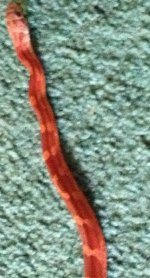
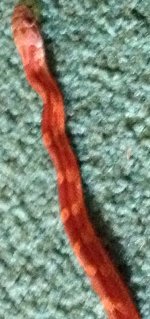
Chromatic Corns
Just one more
ok, so I looked at my pic thing again. I right click the pic and select "open with" then "microsoft picture manager" Then I choose "edit". there are 2 edit buttons, you want the one that says "edit pictures" it's at the top of page in middle. Then choose compress. Select "webpage". Then save. I don't have to edit pixels. Are the pics ok looking on the phone and when first placed on the computer? Other option ~ if you email me a few pics from your phone unedited I'll help you post them. [email protected]